




AODELAN videocámara controlador de zoom Lanc cámara de vídeo Control remoto
- Marca: AODELAN
- Código de Producto: B07RLNW81F
-[Compatibile Camcorders Models] Compatibile with Sony 150P/ 190P/ 198P/ VX2000E/ 2100E/ 2200E/ FX1E/ FX7E/ FX1000E/ Z1C/ Z5C/ AX2000E/ NX5C/ V1C/ A1C/ HD1000C/ 1500C/ 250P/ PD100AP/ PDX10P/ 900E; for Canon XM1, XM2, XL1S, XL2, XHA1, etc; for Panasonic camcorders DVC33, DVC63, DVC15, 180, 180A, 180B, HVX200, HVX203, HMC153, HMC173, AG130, AG160, HMC43.
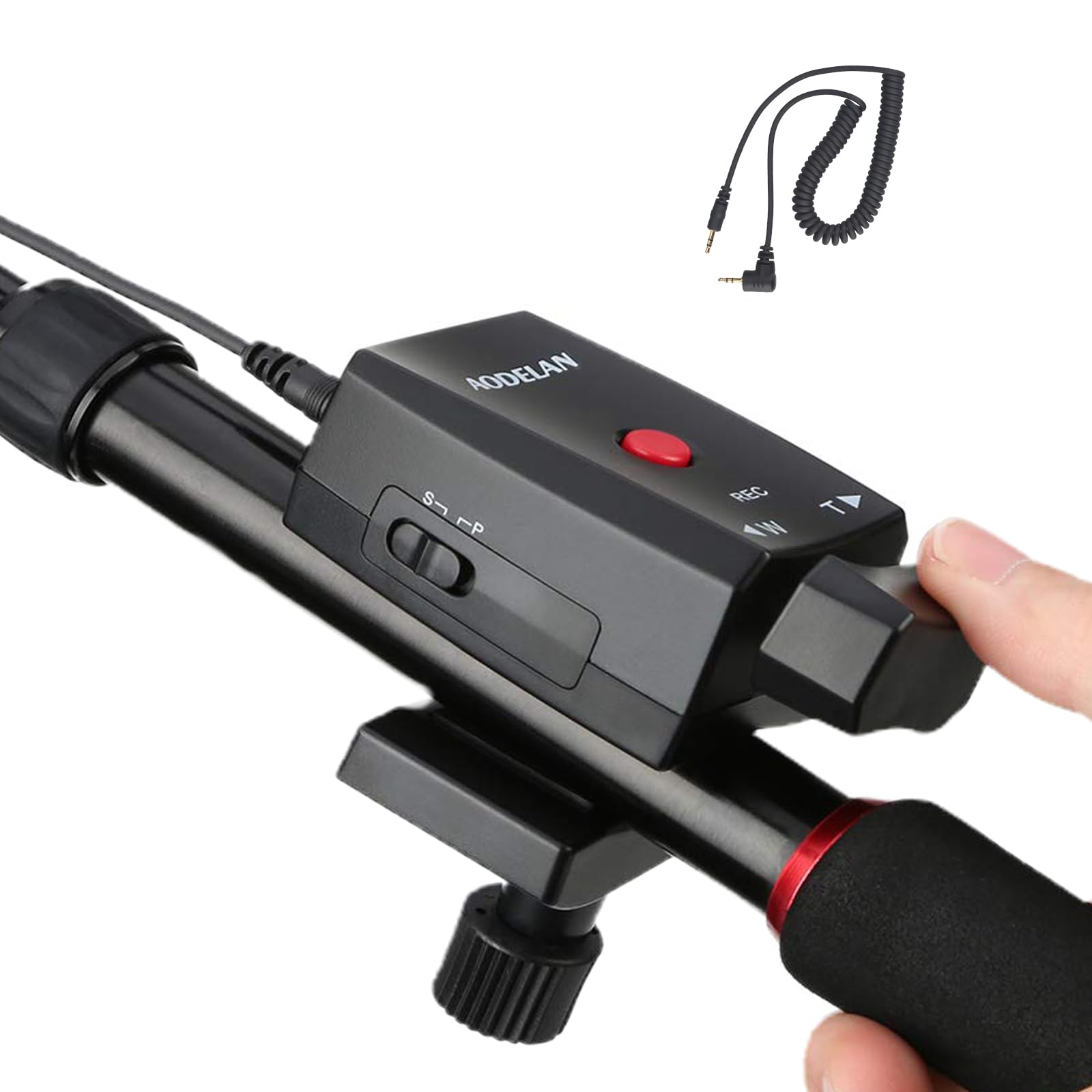
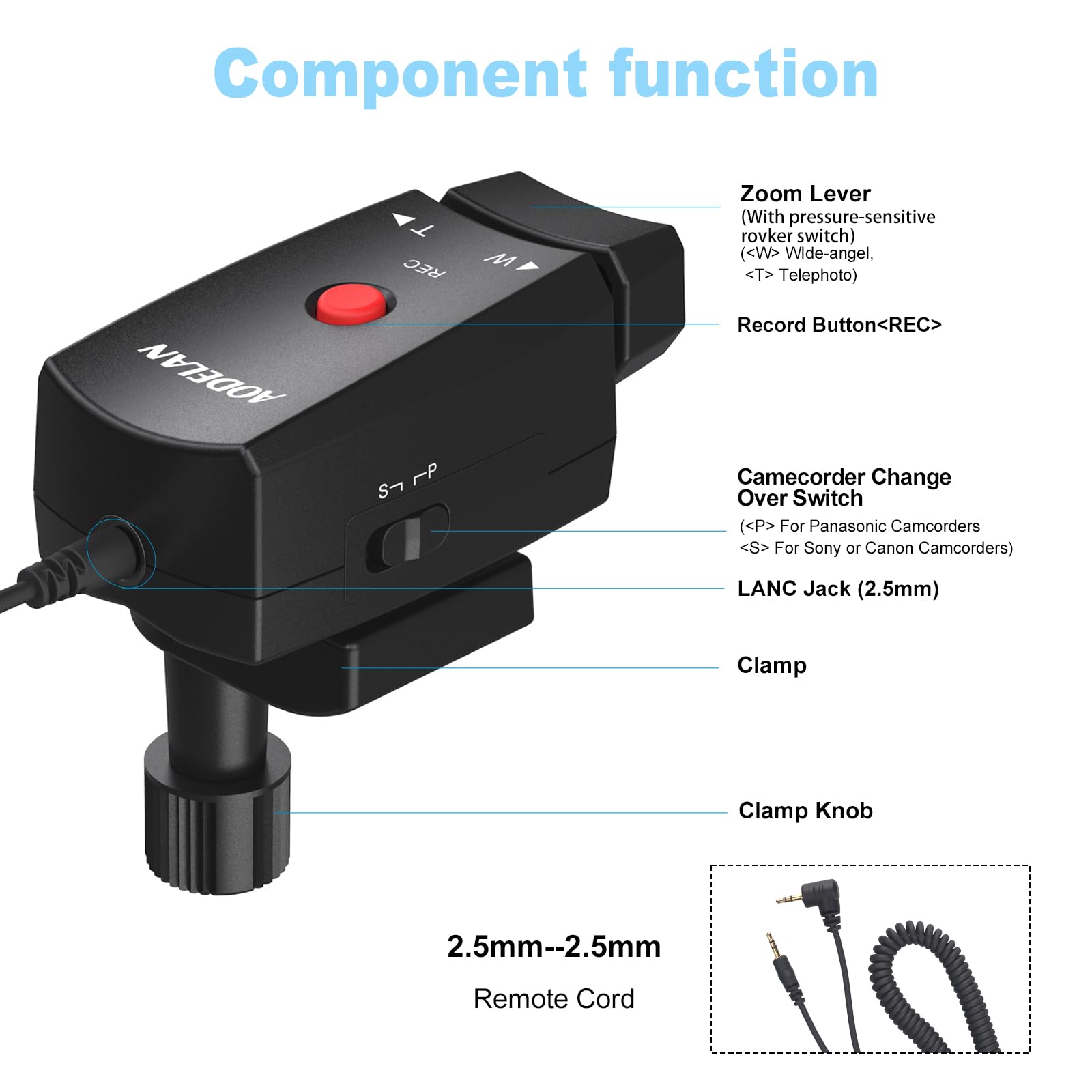
-[Camcorder Switch] Easily switch between different camcorders with a camcorders switch."S" for Sony or Canon camcorders,"P" for Panasonic camcorders.
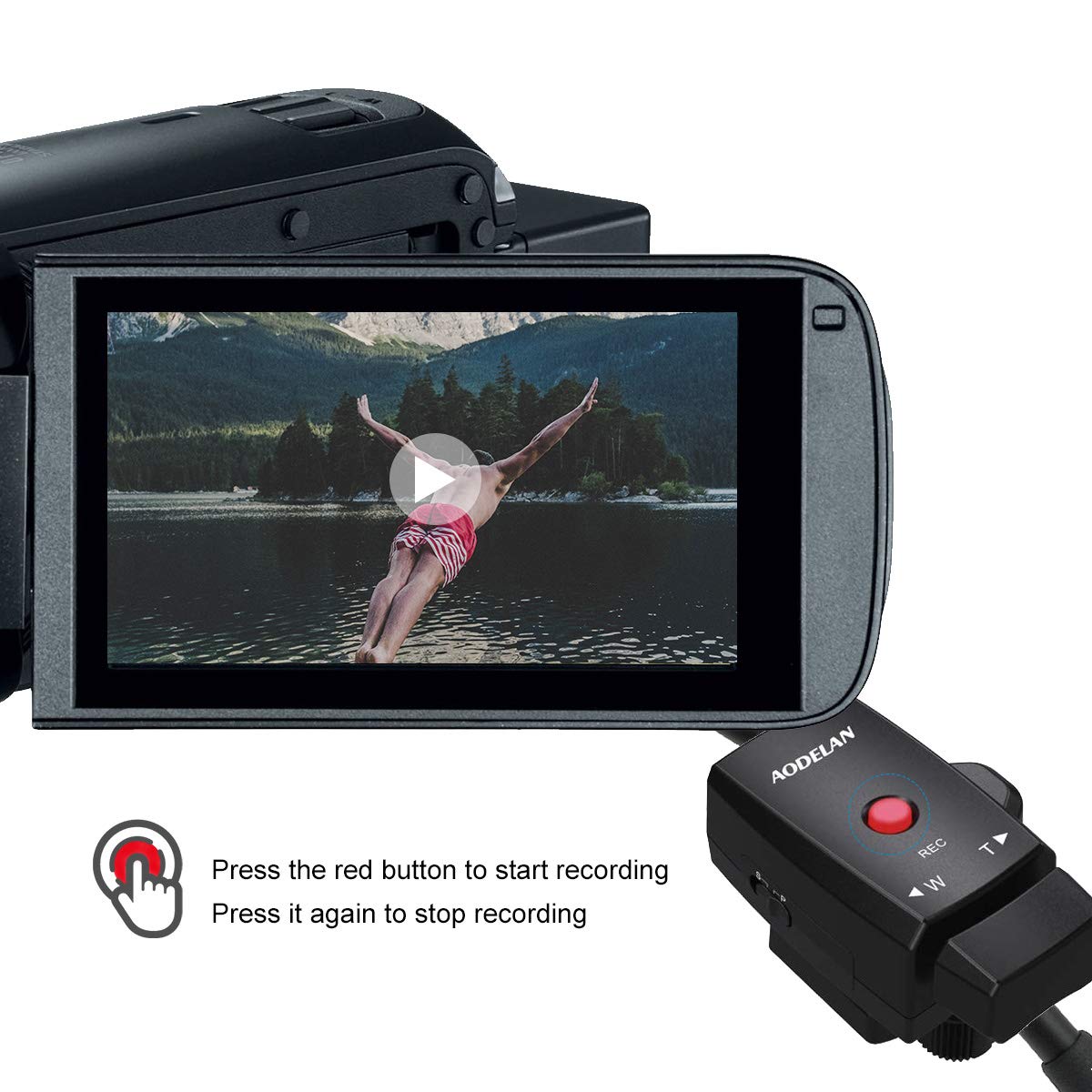
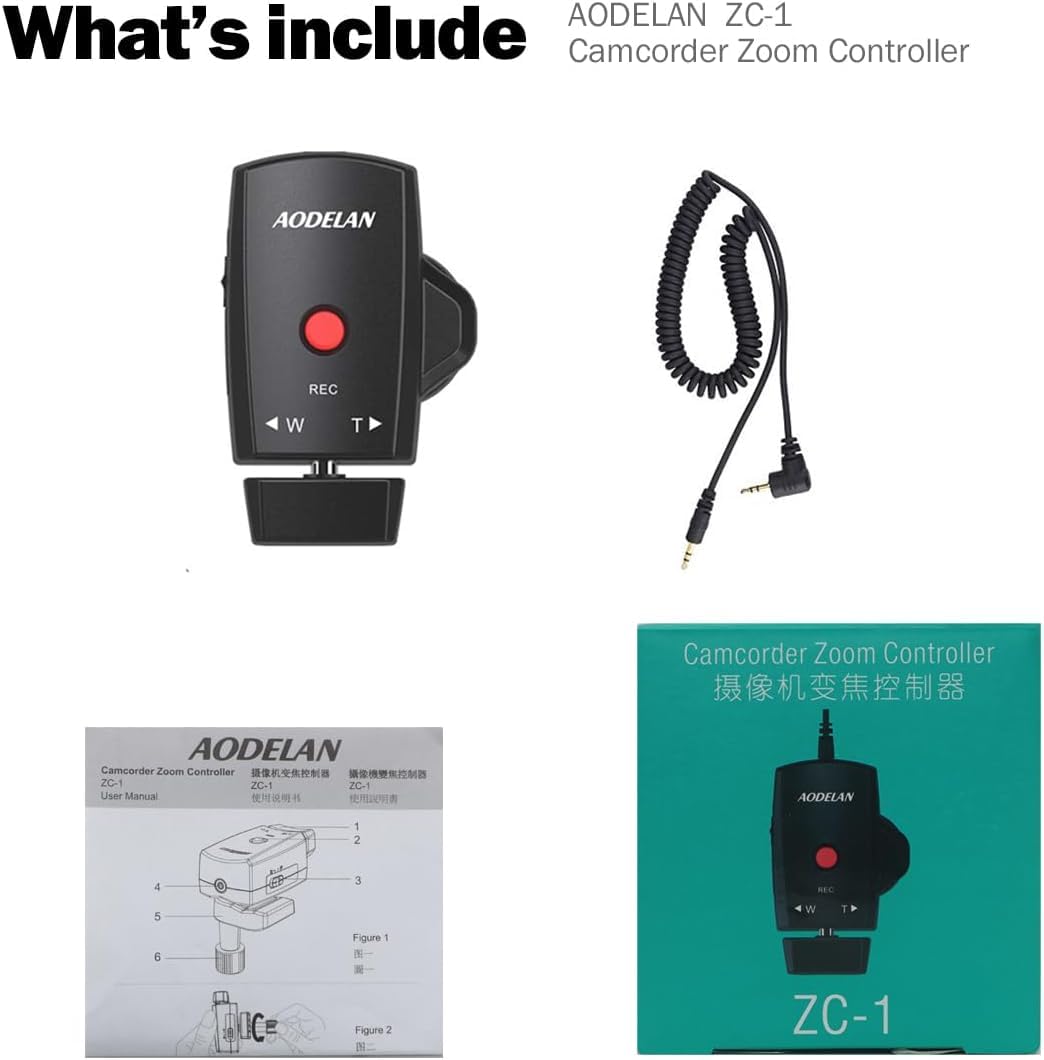
-[LANC jack] AODELAN zoom control remote controller Sutible for camcorder with LANC jack. Use camcorder that has a LANC interface, the camera's zoom control and recording start/stop function can be implemented.Usually used on Sony, Canon and Panasonic camcorders.
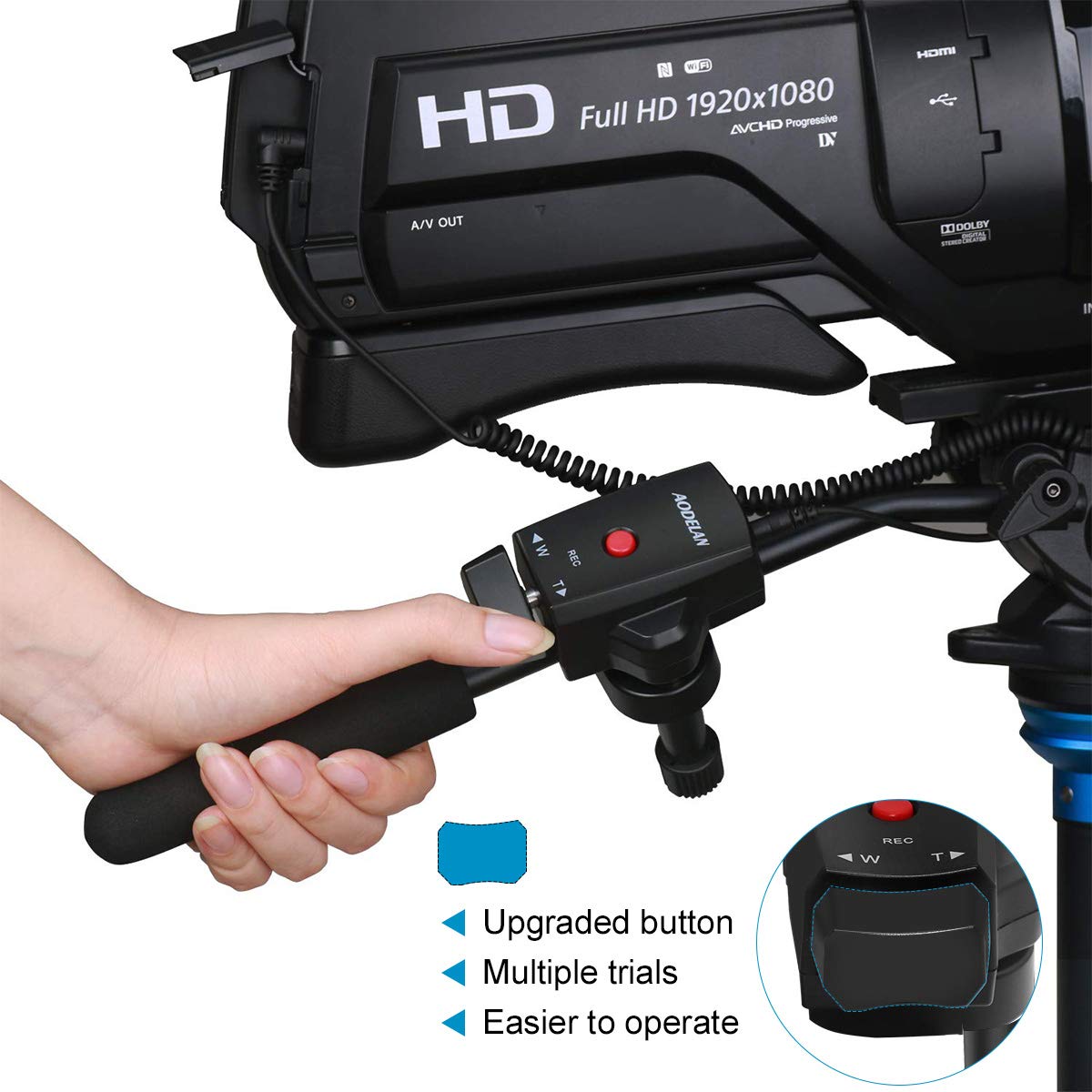
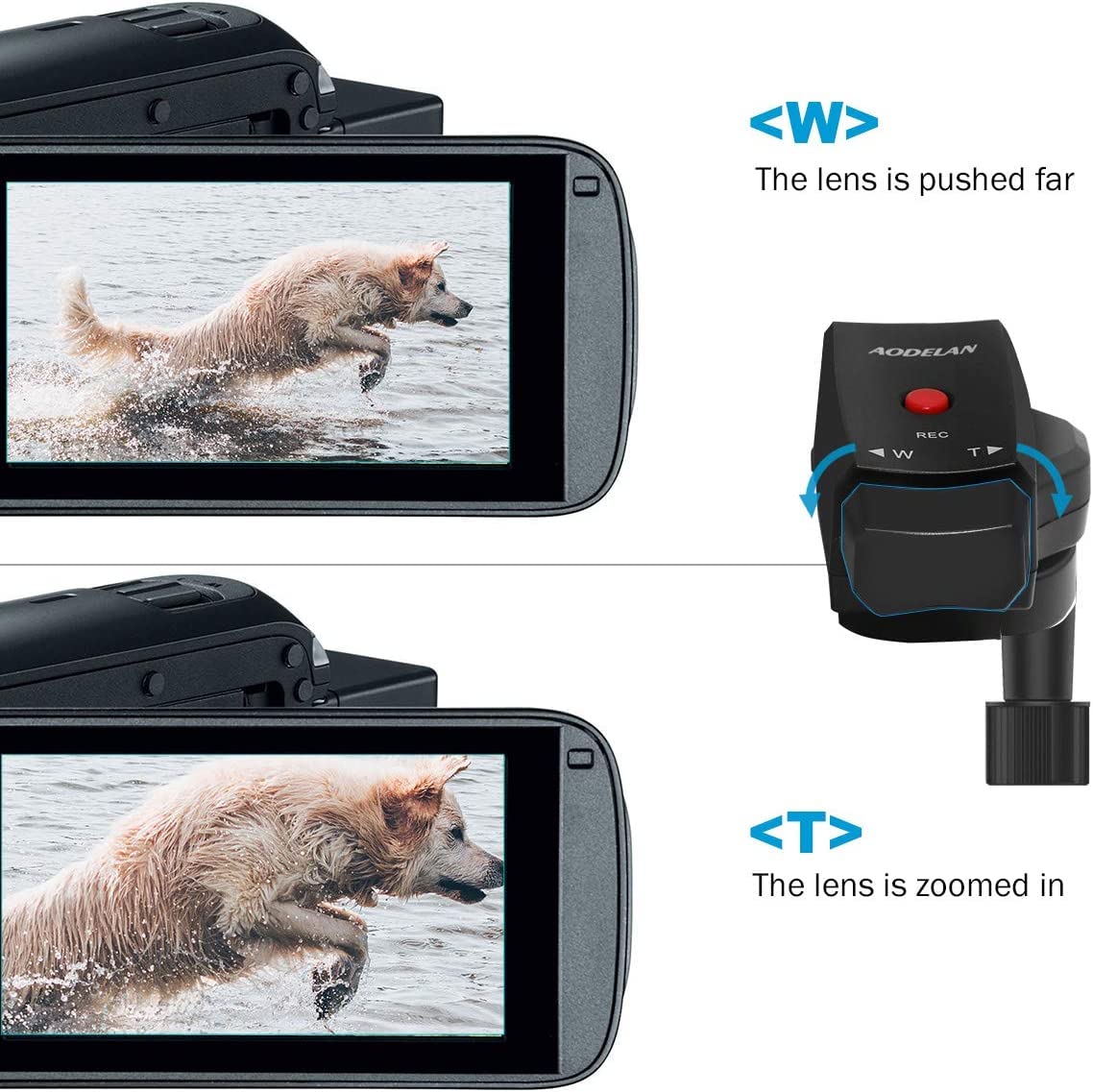
-[Zoom function] Easy control zoom out and zoom in, press the side of the zoom lever labeled "W" to zoom out view and the subject becomes farther away, and press the side of the zoom lever labeled "T" to zoom in focus view and the subject is closer.
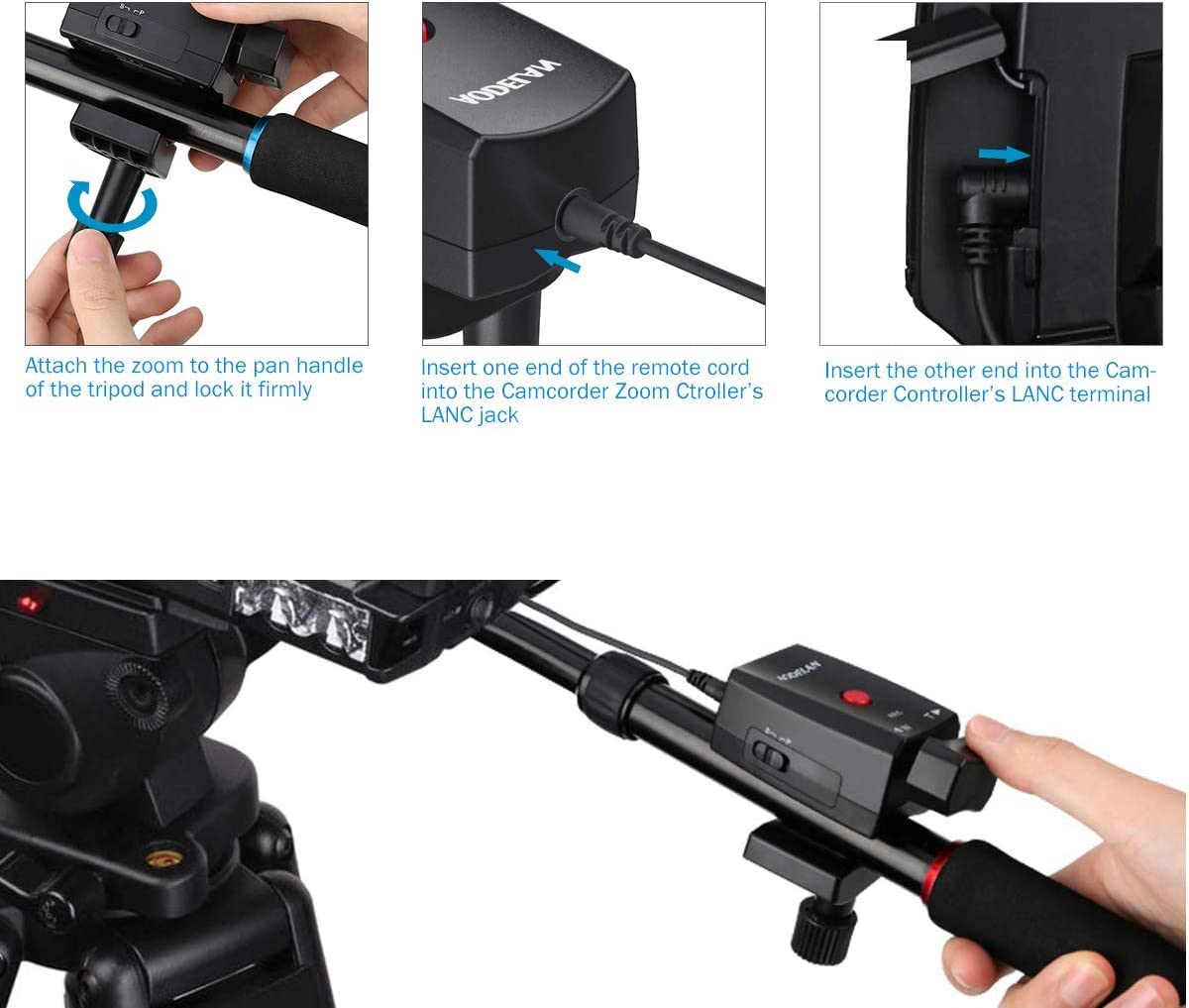
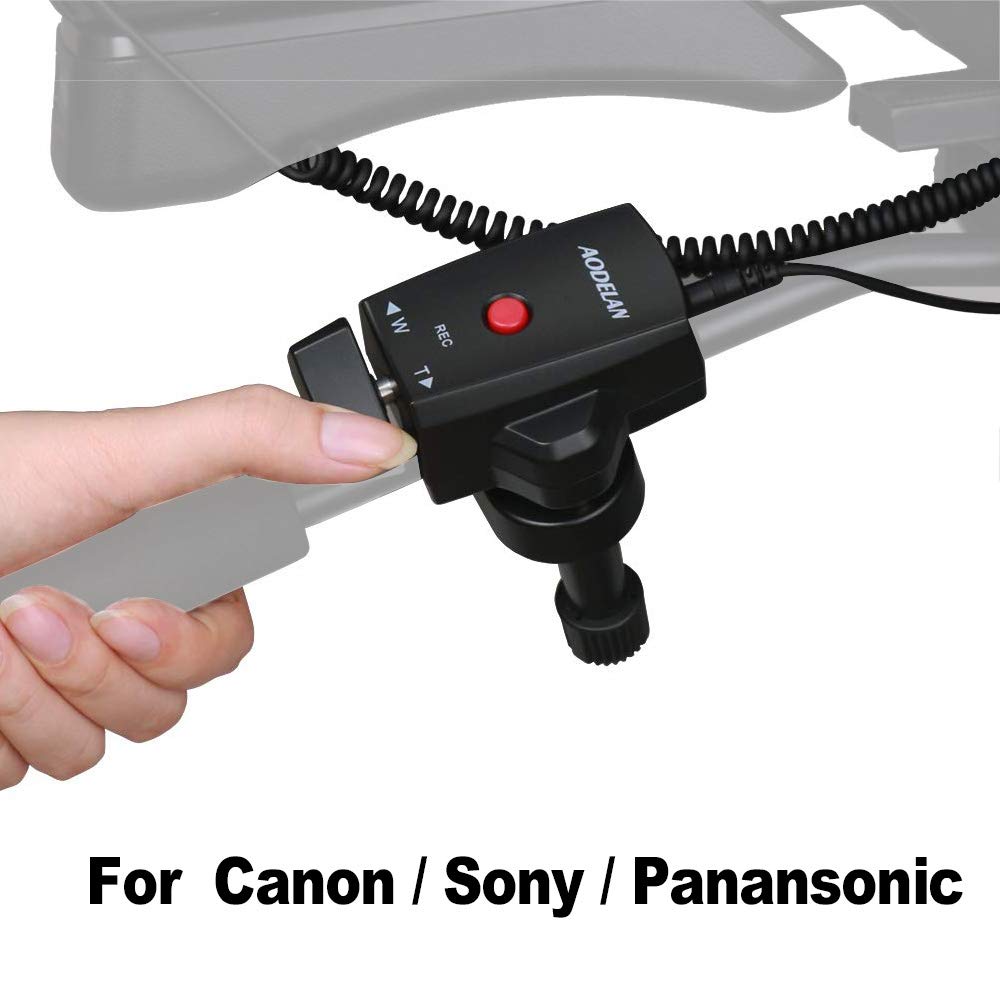
-[Easy to set up] Clamp to tripod handle, connect remote cord to LANC jacks, switch camera type, power on, start/stop recording with the red button, and control zoom with the rocker switch.
-[Camcorder Switch] Easily switch between different camcorders with a camcorders switch."S" for Sony or Canon camcorders,"P" for Panasonic camcorders.
-[LANC jack] AODELAN zoom control remote controller Sutible for camcorder with LANC jack. Use camcorder that has a LANC interface, the camera's zoom control and recording start/stop function can be implemented.Usually used on Sony, Canon and Panasonic camcorders.
-[Zoom function] Easy control zoom out and zoom in, press the side of the zoom lever labeled "W" to zoom out view and the subject becomes farther away, and press the side of the zoom lever labeled "T" to zoom in focus view and the subject is closer.
-[Easy to set up] Clamp to tripod handle, connect remote cord to LANC jacks, switch camera type, power on, start/stop recording with the red button, and control zoom with the rocker switch.