





DJI Osmo Mobile 6 Estabilizador Gimbal para Smartphones, Gimbal para Teléfono de 3 Ejes, Varilla de Extensión Incorporada, Seguimiento de Objetos, Portátil y Plegable, Estabilizador Vlogging, YouTube TikTok, Gris Pizarra
- Marca: DJI
- Código de Producto: B0B7XD7R43
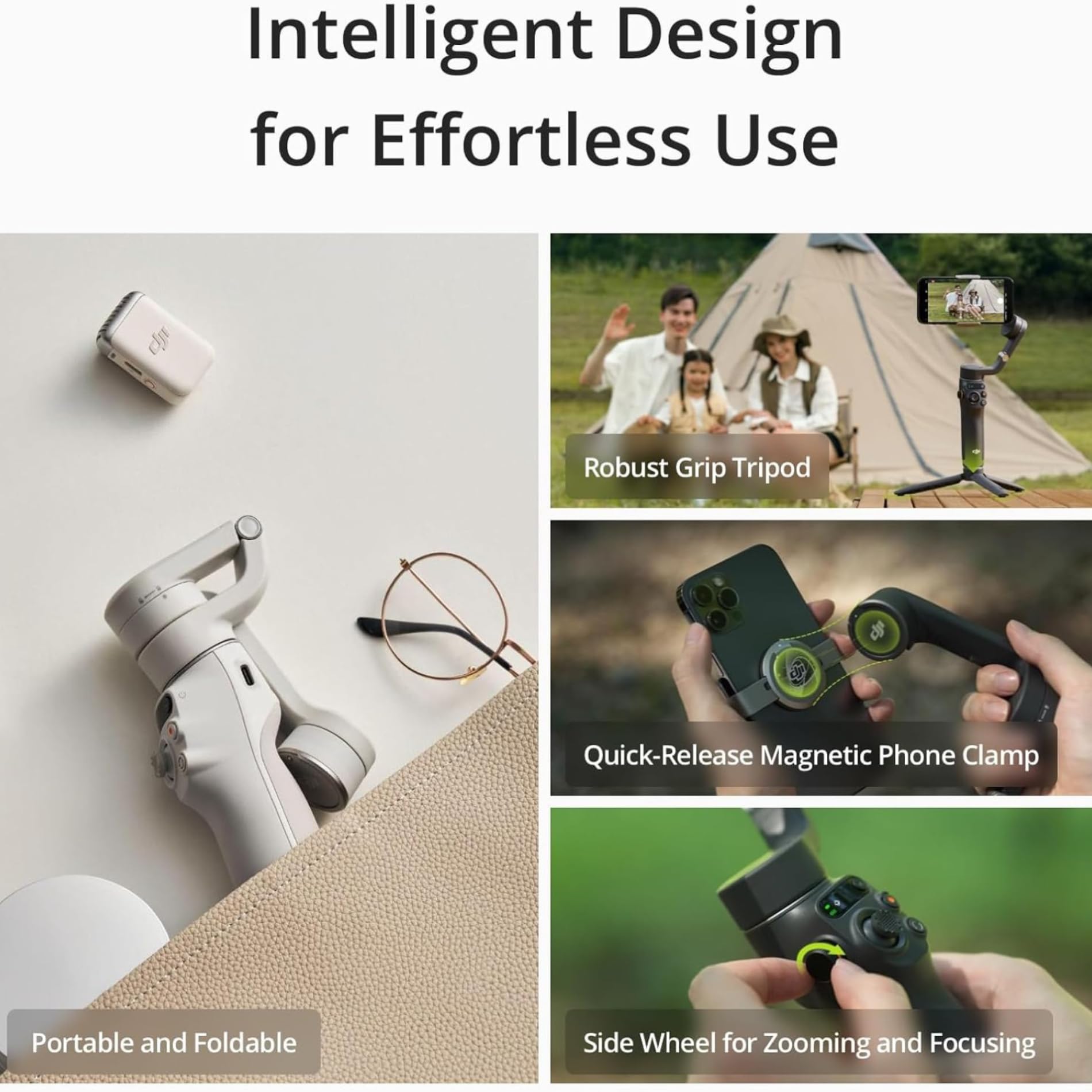
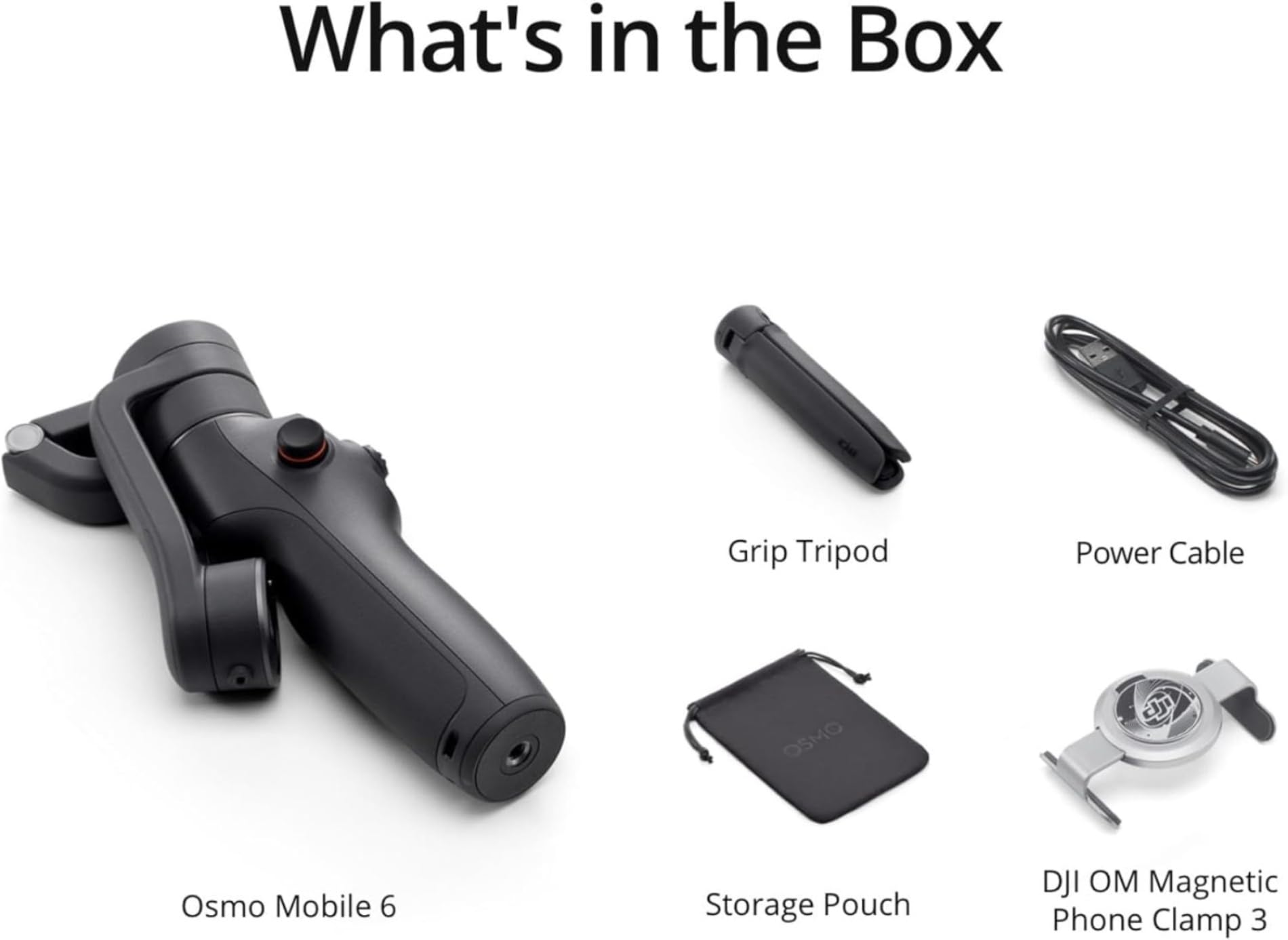
-Compact and Portable: Carry your Osmo Mobile 6 on exciting adventures. The compact and foldable design is easy to pack, and with the quick-release magnetic phone clamp, you can get going without the hassle of removing your phone case. Snap-in or out you're ready to shoot or take a call at a moment's notice
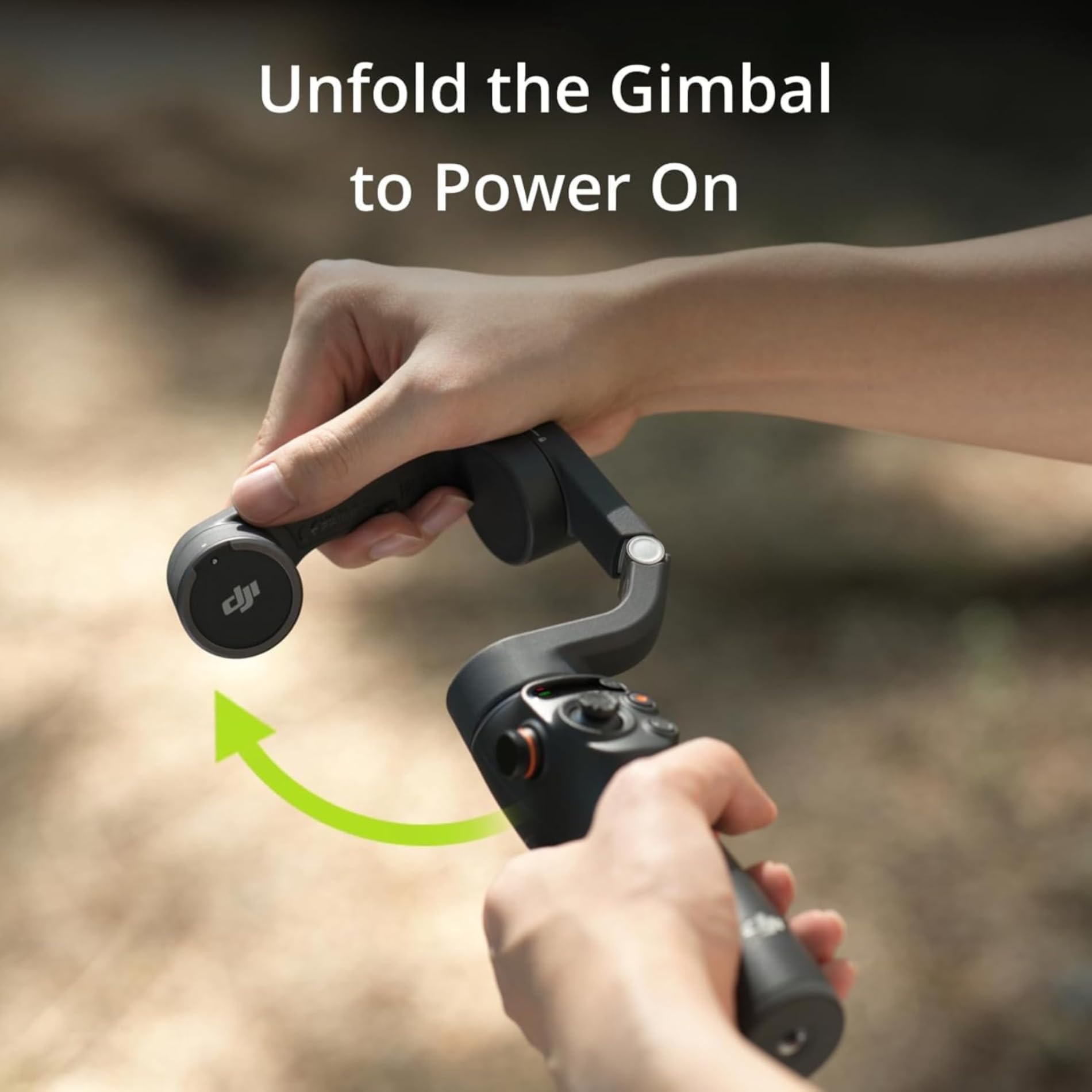
-Quick Launch: Osmo Mobile 6 powers on as soon as you unfold it. Snap in a paired smartphone, and the DJI Mimo app pops up automatically, allowing you to start shooting as soon as inspiration strikes
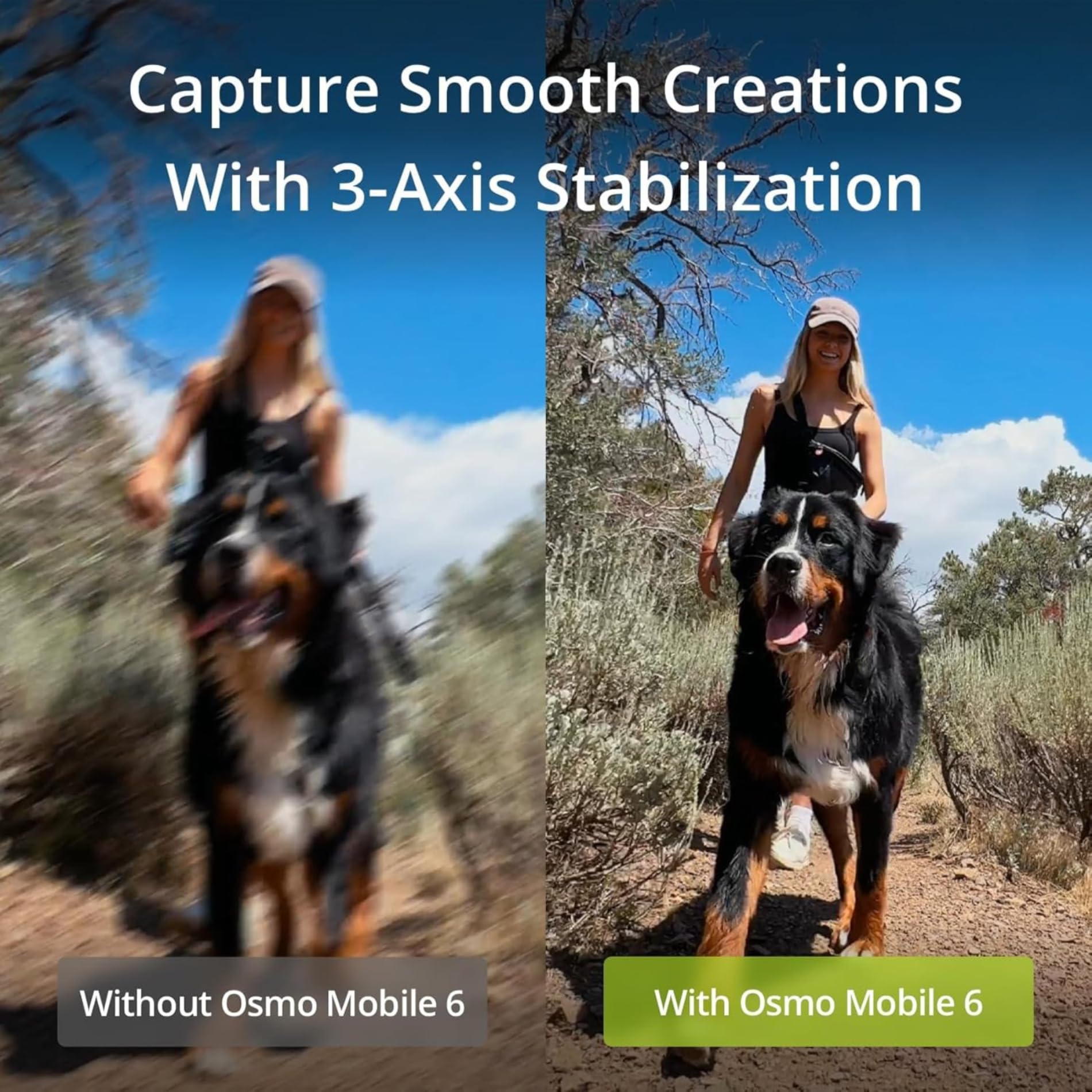
-3-Axis Stabilization: With 3-axis stabilization, capture smooth, lossless, on-the-move creations that impress and wow. Osmo Mobile 6 integrates DJI's advanced stabilization technology to put strong, stable, shake-free results at your fingertips
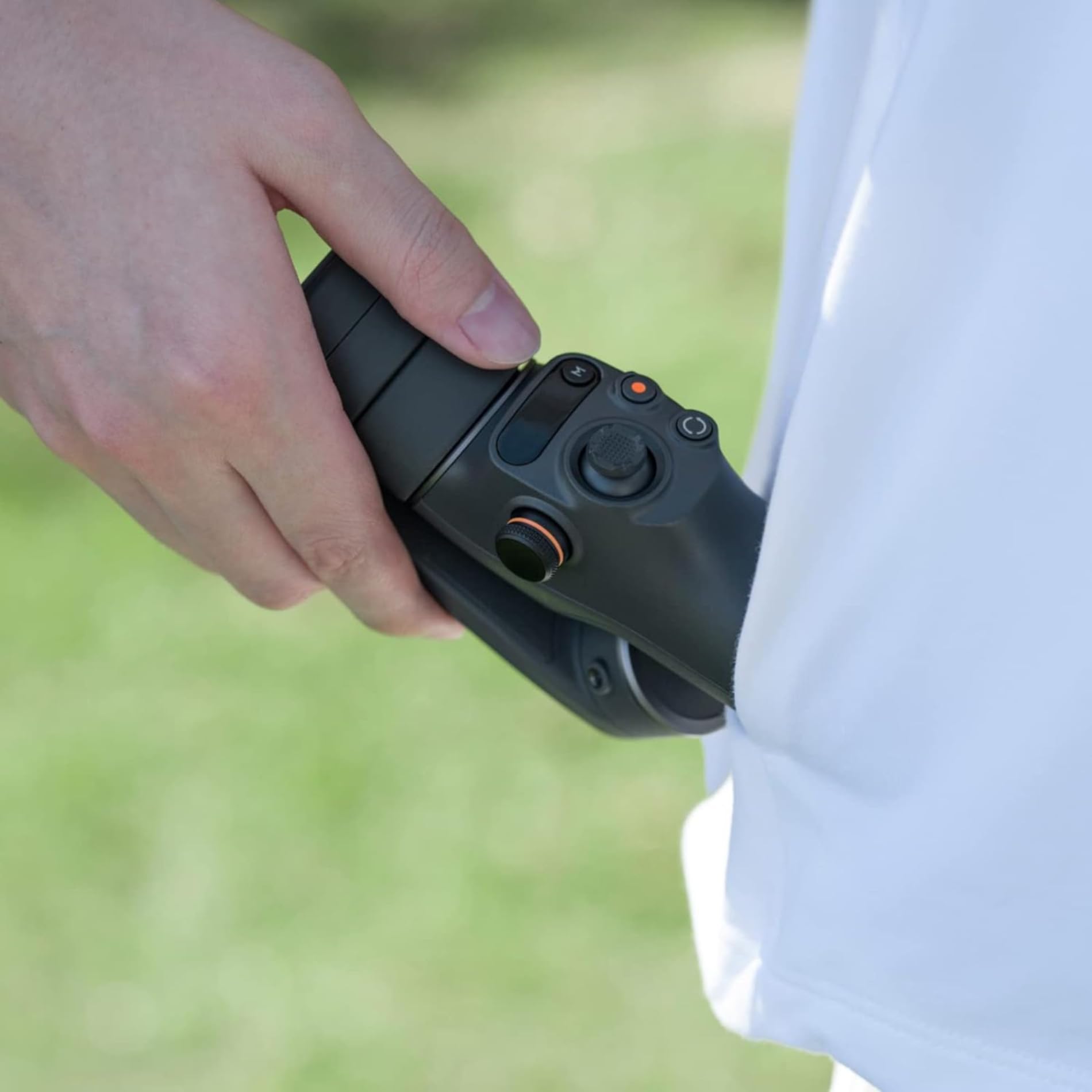
-Smooth Operator: Conveniently check the battery level, and the system status indicator, and switch between gimbal modes with the new built-in status panel. Press the M button to hop between the four modes to meet your filming needs or add creative flair. The four modes are follow mode, tilt locked, FPV, and Spinshot
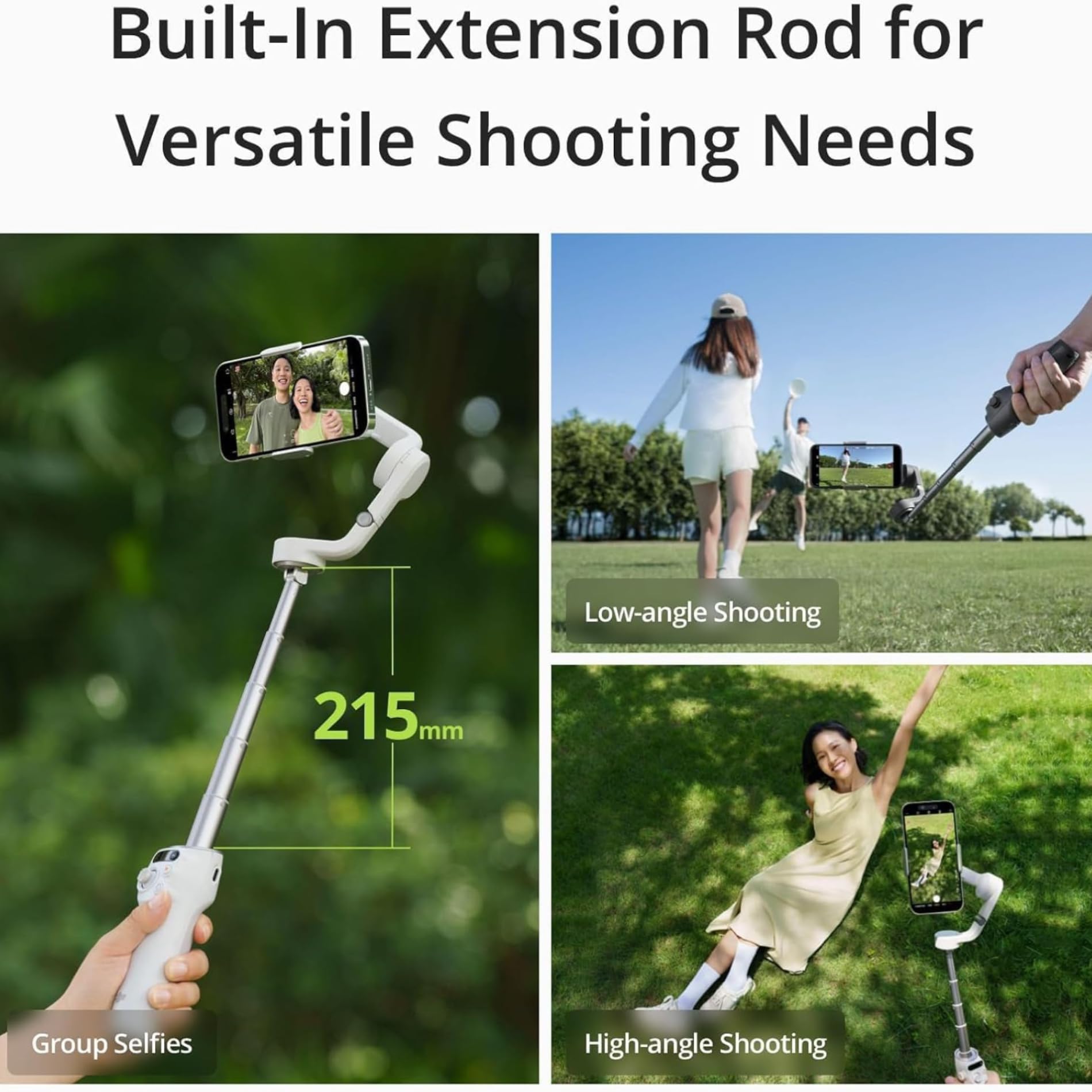
-Built-In Extension Rod: Get everyone in the picture. The built-in extension means no one gets left out. Include more friends, pets, or gorgeous scenery in any shot. Take dynamic selfies from higher or lower angles. Extend the rod to extend the creative possibilities
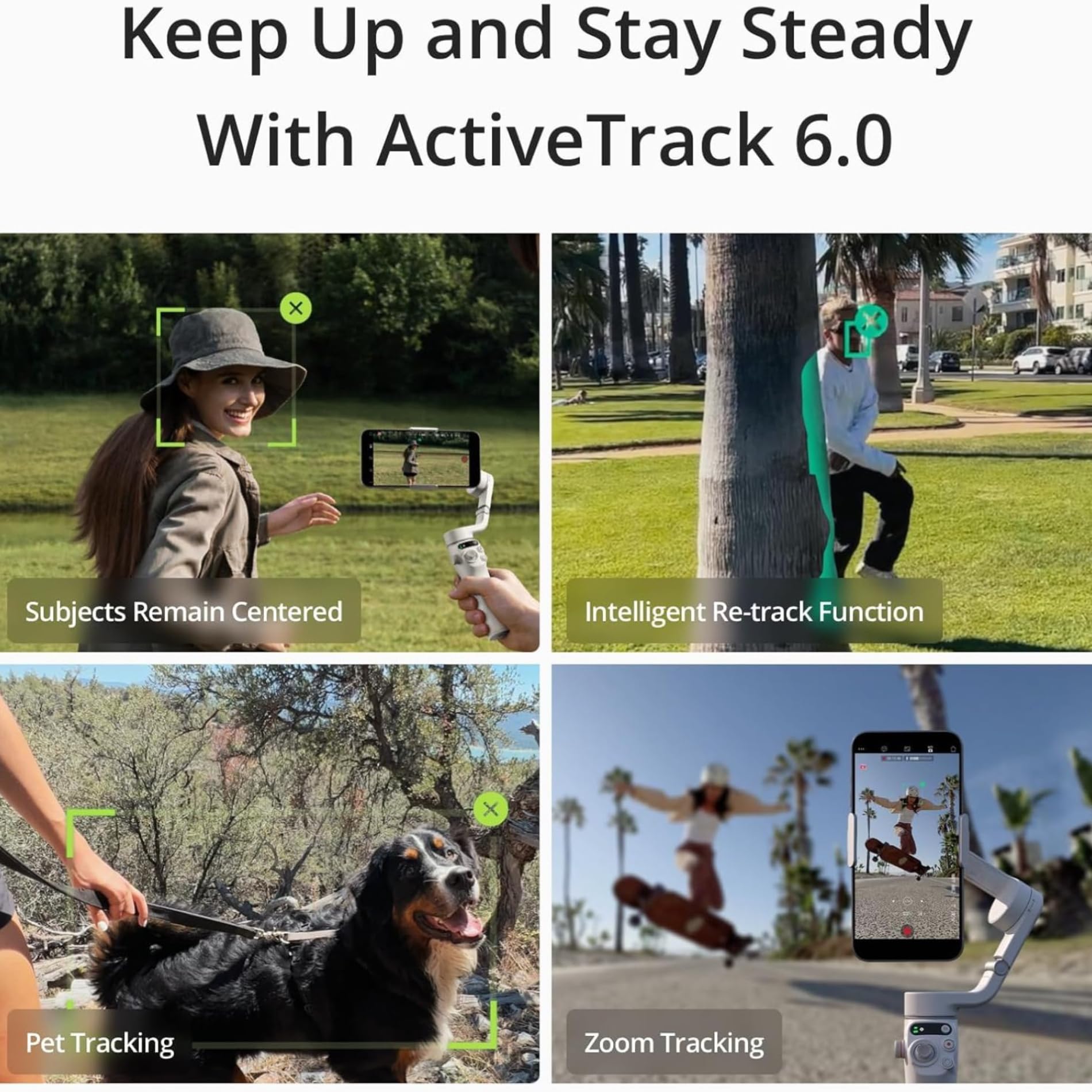
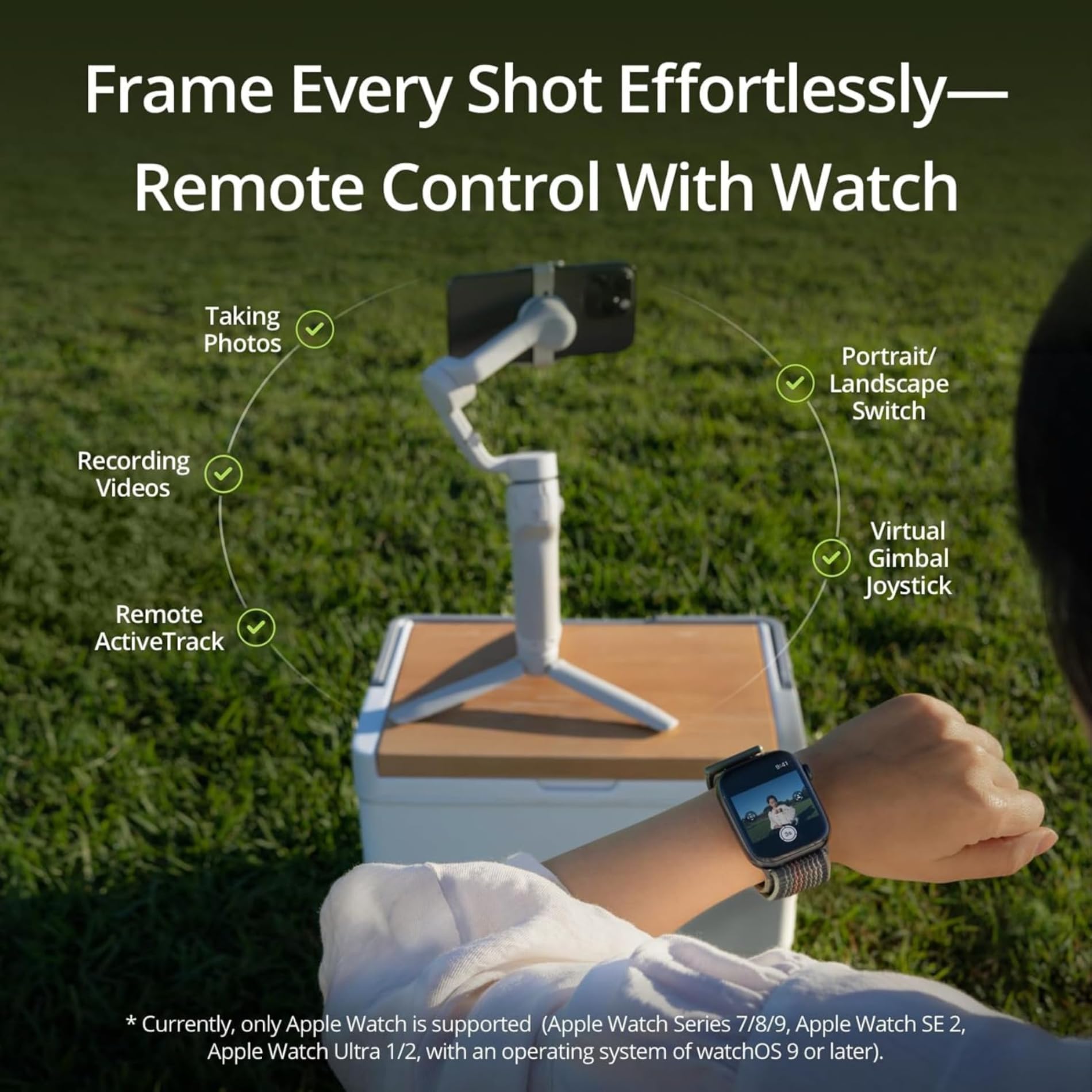
Overview This intelligent gimbal is lightweight and compact. Simply unfold to start filming smooth dynamic footage. With the built-in extension rod, you can include more friends in the photo and take the perfect selfie. A whole host of intelligent features are at your fingertips, including ShotGuides to help capture the scenario you're in or creative features like Timelapse. Use the DJI Mimo to add the final touches to your content and share. DJI Osmo Mobile 6 is the ultimate creative tool to elevate your creations on the go. Features A new status display panel: Check how much battery you have left, system indicator status, or which gimbal mode you're in. The M button makes it easy to switch between different modes and get unique with your shots. Flip between horizontal and vertical: It's as effortless as double-clicking the switch button to go from horizontal to vertical shooting. Notes 1. Auto pop-ups on the DJI Mimo app are only supported on iPhone and are subject to actual circumstances. When using DJI Osmo Mobile 6 for the first time, enable Quick Launch in the DJI Mimo app and follow the instructions to complete authorization. 2. Tested when following a single subject. 3. LightCut is a smartphone editing app recommended by DJI. 4. Currently, only Apple Watch is supported (Apple Watch Series 7/8/9, Apple Watch SE 2, Apple Watch Ultra 1/2, with an operating system of watchOS 9 or later). * Due to platform compatibility issue, the DJI Mimo app has been removed from Google Play. You cannot search for DJI Mimo in Google Play. To ensure a better product usage experience, please log in to the DJI official website to download the latest version of DJI Mimo.
-Quick Launch: Osmo Mobile 6 powers on as soon as you unfold it. Snap in a paired smartphone, and the DJI Mimo app pops up automatically, allowing you to start shooting as soon as inspiration strikes
-3-Axis Stabilization: With 3-axis stabilization, capture smooth, lossless, on-the-move creations that impress and wow. Osmo Mobile 6 integrates DJI's advanced stabilization technology to put strong, stable, shake-free results at your fingertips
-Smooth Operator: Conveniently check the battery level, and the system status indicator, and switch between gimbal modes with the new built-in status panel. Press the M button to hop between the four modes to meet your filming needs or add creative flair. The four modes are follow mode, tilt locked, FPV, and Spinshot
-Built-In Extension Rod: Get everyone in the picture. The built-in extension means no one gets left out. Include more friends, pets, or gorgeous scenery in any shot. Take dynamic selfies from higher or lower angles. Extend the rod to extend the creative possibilities
Overview This intelligent gimbal is lightweight and compact. Simply unfold to start filming smooth dynamic footage. With the built-in extension rod, you can include more friends in the photo and take the perfect selfie. A whole host of intelligent features are at your fingertips, including ShotGuides to help capture the scenario you're in or creative features like Timelapse. Use the DJI Mimo to add the final touches to your content and share. DJI Osmo Mobile 6 is the ultimate creative tool to elevate your creations on the go. Features A new status display panel: Check how much battery you have left, system indicator status, or which gimbal mode you're in. The M button makes it easy to switch between different modes and get unique with your shots. Flip between horizontal and vertical: It's as effortless as double-clicking the switch button to go from horizontal to vertical shooting. Notes 1. Auto pop-ups on the DJI Mimo app are only supported on iPhone and are subject to actual circumstances. When using DJI Osmo Mobile 6 for the first time, enable Quick Launch in the DJI Mimo app and follow the instructions to complete authorization. 2. Tested when following a single subject. 3. LightCut is a smartphone editing app recommended by DJI. 4. Currently, only Apple Watch is supported (Apple Watch Series 7/8/9, Apple Watch SE 2, Apple Watch Ultra 1/2, with an operating system of watchOS 9 or later). * Due to platform compatibility issue, the DJI Mimo app has been removed from Google Play. You cannot search for DJI Mimo in Google Play. To ensure a better product usage experience, please log in to the DJI official website to download the latest version of DJI Mimo.